Waiting-room screen: what belongs on it and what does not
A screen in the waiting room answers the questions that would otherwise end up at reception. Provided it shows the right things, and only a few of them.
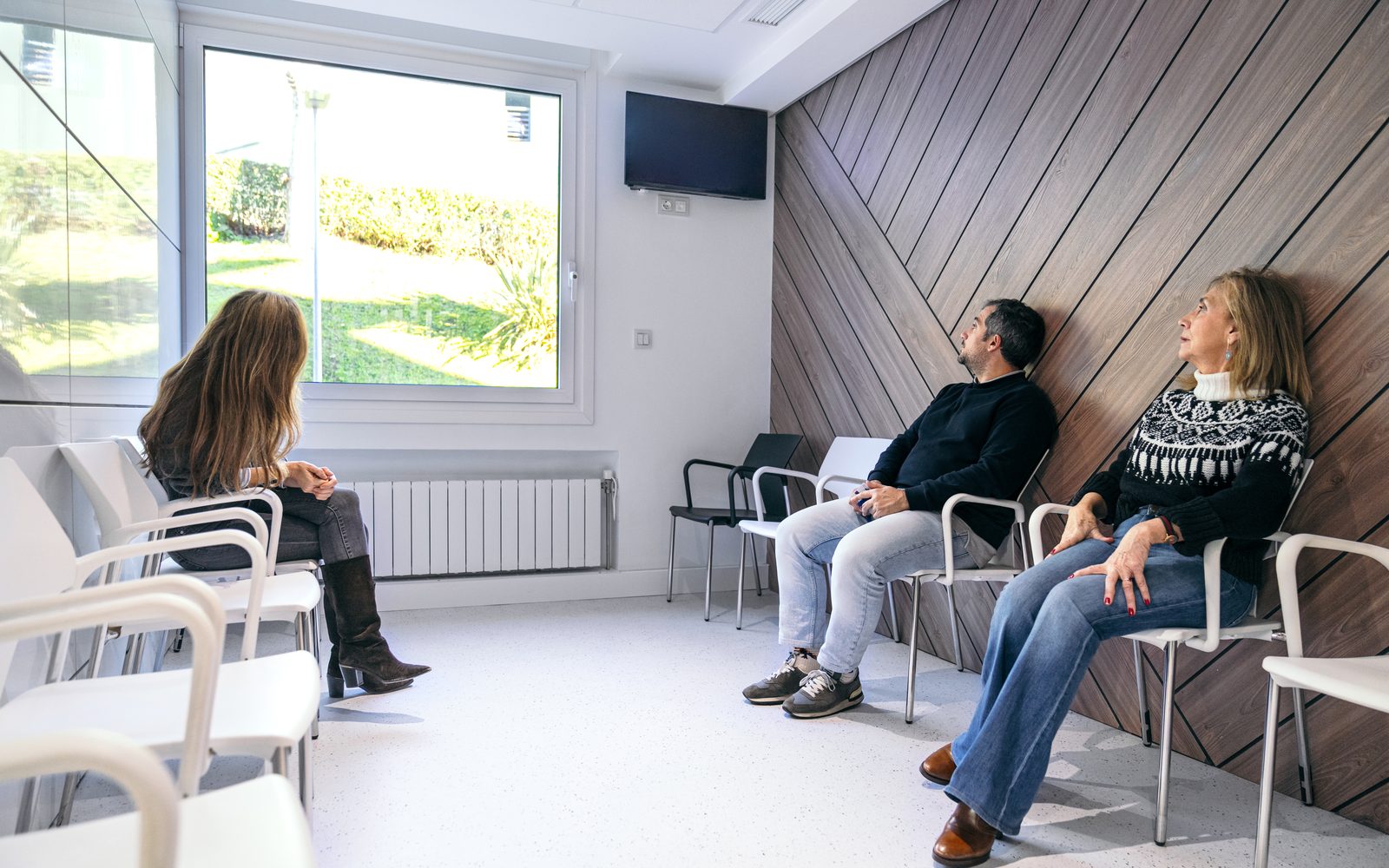
The goal: fewer questions at the desk
Reception is the bottleneck of every practice. Every question about opening hours, holidays or repeat prescriptions takes time away from patients on the phone. The waiting-room screen is there to catch exactly these recurring questions.
What belongs on the screen
- Opening hours and exceptions, such as bridge days or training days
- Holiday and cover arrangements with the name and address of the covering practice
- How to request prescriptions, referrals and appointments
- Reminders about vaccinations or check-ups that are currently due
- Out-of-hours service and the 116 117 number in Germany
- A short welcome from the practice team
Six to eight slides are enough. Each slide stays up for ten to fifteen seconds. Someone waiting ten minutes sees everything several times without it becoming irritating.
What to leave out
Anything that frightens or sells. Long descriptions of illnesses, photos of findings and aggressive advertising for private services have no place in the waiting room. Scrolling text and news tickers distract more than they help. And: no personal data. Calling patients by name does not belong on a screen everyone can see.
Readability in the waiting area
Many people look from three to five metres away, and not always with their glasses on. Large type, strong contrast and one message per slide matter more than a nice photo. The medical templates in lumafy are designed for this: you enter text into fields, and font size and spacing stay fixed.
How to set it up
Mount the screen, plug in the Amazon Signage Stick or switch on the lumafy Screen, and enter the code in your account. Then choose the medical industry pack and fill in the templates. If you have two locations, create a playlist for each and maintain shared slides only once.
Data protection
Content is stored on servers in Germany, and we provide a data processing agreement. Because no patient data appears on the screen, things stay simple.