Staff information screens: what offices and factories actually read
Group emails get skimmed and the notice board is full of old notes. A screen in the break room or by the time clock reaches everyone, including people without a computer.
Who reads it
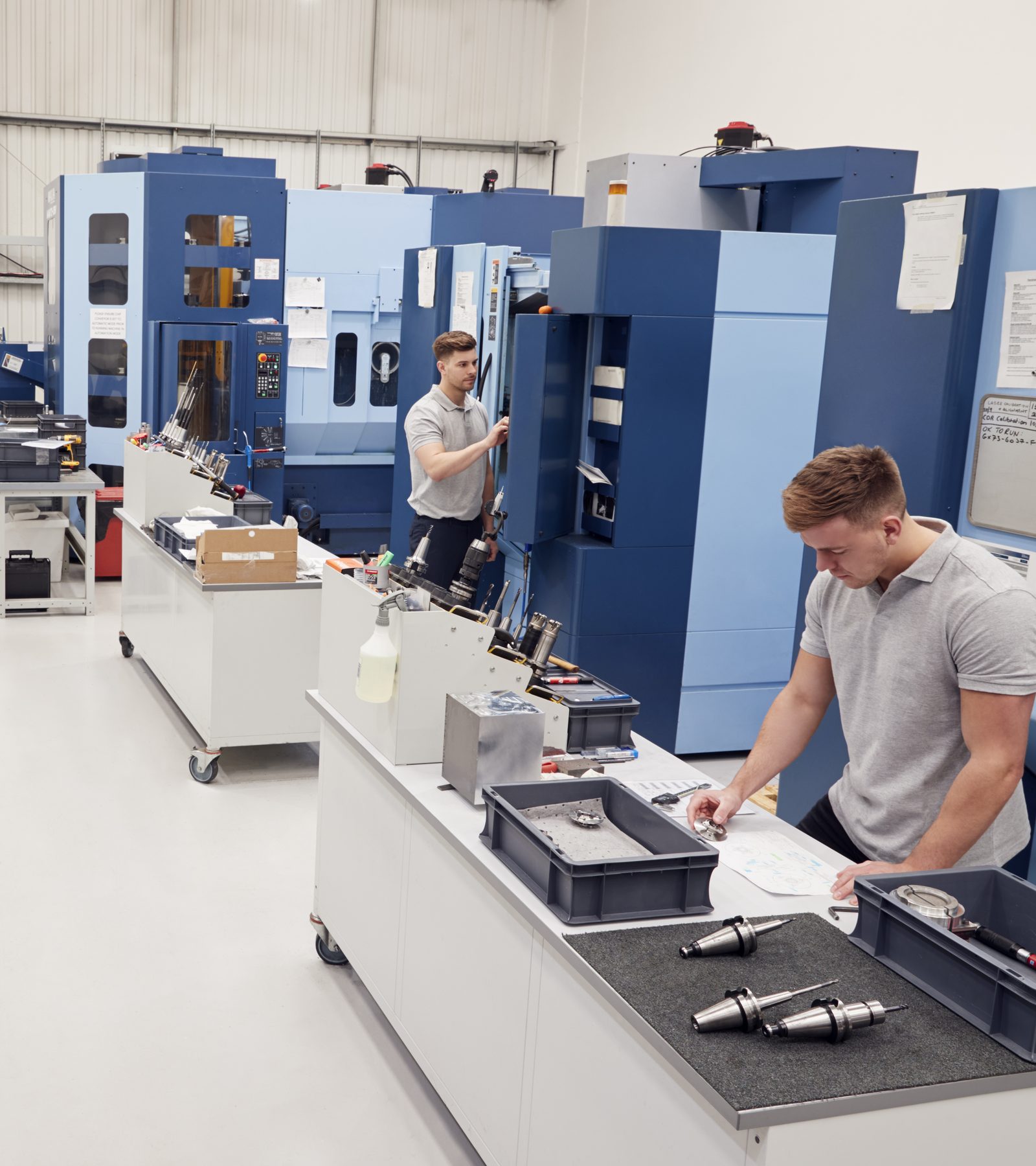
In production, warehouses and workshops many employees have no company email account. For them the screen is the fastest source of information in the business. In the office it complements email and chat for things everyone should know.
Content that works
- Shift plan and changes for today and tomorrow
- KPIs the team can influence, such as output or on-time delivery
- Safety: accident-free days, protective equipment reminders, first aiders
- New colleagues, anniversaries, company events
- Canteen menu and dates such as staff meetings or fire drills
Welcoming visitors
At reception the screen shows “Welcome” with the visitor’s name and logo. A small effort that customers and applicants remember. Create the slide with a time window for the day of the visit and it disappears on its own afterwards.
What to avoid
Too much text, too many slides and information that only concerns one department. If the screen looks like an intranet, people soon stop looking. Better: a few slides, refreshed regularly.
Who maintains it?
HR maintains anniversaries and new colleagues, shift managers the plan, management the KPIs. With Pro, each role gets its own login. Shared slides are maintained once and played out to every location.
Keeping data protection in mind
Names and photos of employees are personal data. Get consent before anyone appears on the screen. With lumafy the data is stored on servers in Germany, and we provide the DPA.